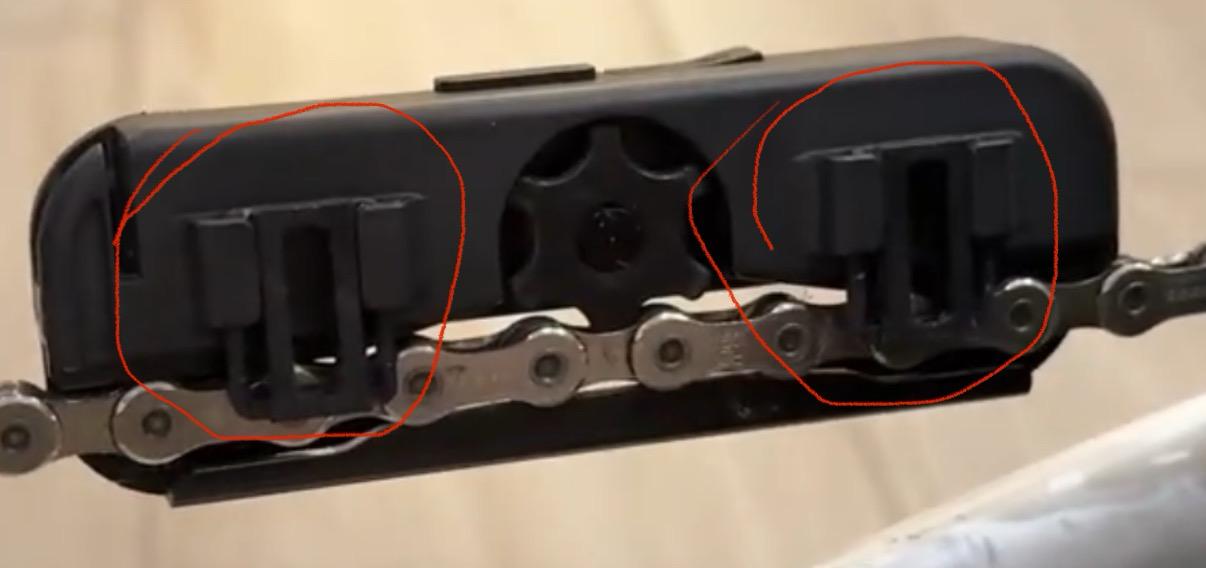
1. How to install CycleClick using the rear mount.
IMPORTANT: Check the angle of the retention arm. If it's installed at too steep of an angle, it may cause the chain to get caught. The retention arm should be positioned at the angle shown in the picture below (red line shows correct angle).

SELF-CALIBRATION BEFORE RIDING: Once CycleClick is installed on the chain, slide the power button to turn it on. Once it's on, CycleClick has to calibrate. Do not touch the pedals, the chain, or CycleClick during this process. Keep the bicycle completely still. Wait until the indicator light turns back on and begins blinking. A blinking light indicates that the internal calibration has been completed successfully and CycleClick is ready to connect to the BikeOn app or your cycling computer. Here is a gif showing how it looks:
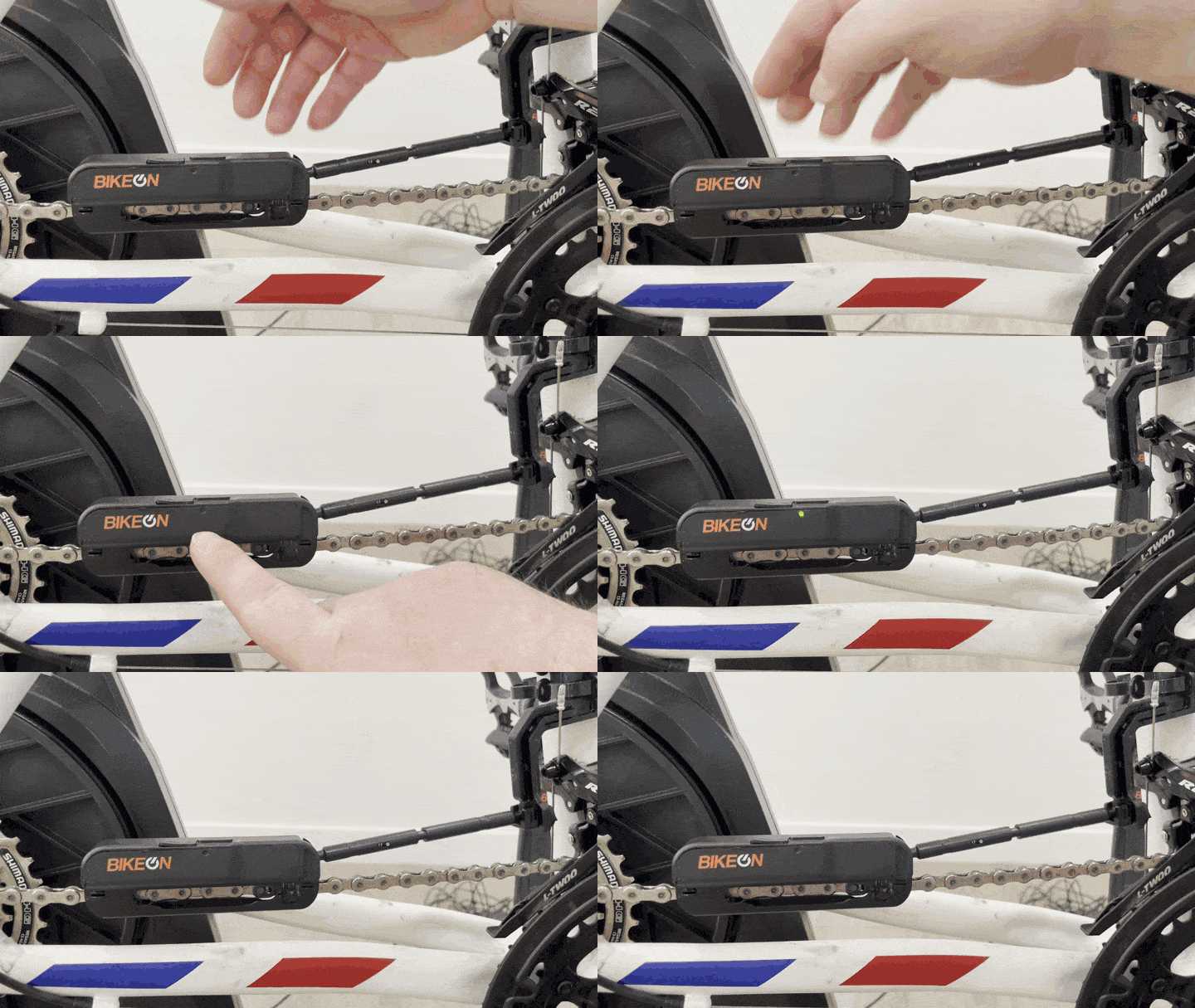
Once CycleClick completes its initial self-calibration, pedal for about 10 seconds, then stop and wait approximately 5 seconds. After that, CycleClick should be ready to use.